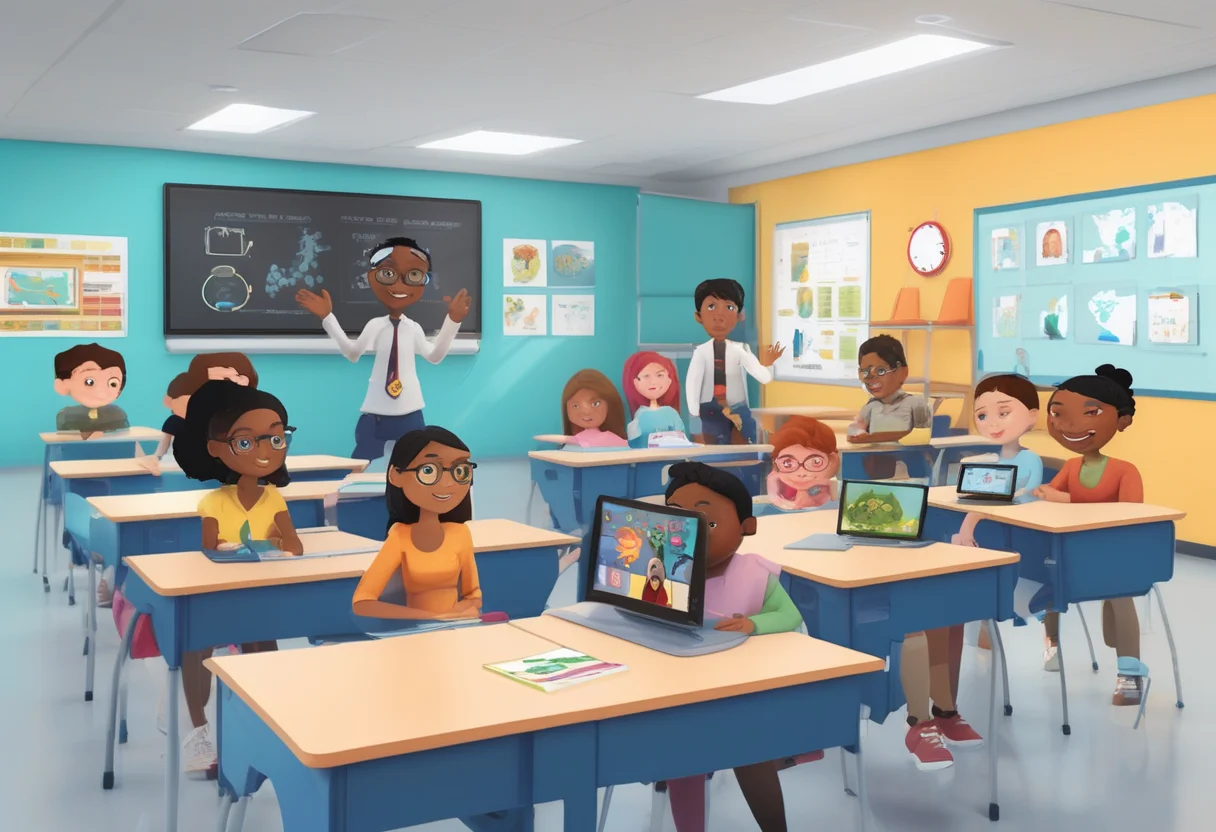
Imagine a classroom where every student gets a learning experience that's just right for them. Whether they're whiz kids or need a bit more help, AI tools are making this possible. Schools using AI have seen a 30% boost in how engaged students are and how well they learn. So, how do these tools change things for students with different needs? In this article, we'll explore how AI is shaking up education. It's not just about making teaching better; it's about creating a space where every student can do well. Whether you're a teacher, a parent, or just curious about what's next in learning, this is the place to see how AI is changing inclusive classrooms. Let's check it out!
Step-by-Step Guide: Implementing AI Tools in Inclusive Classrooms
Assess Classroom Needs and Set Goals
Identify Learning Challenges and Inclusion Goals
To effectively use AI tools in inclusive classrooms, begin by identifying specific learning challenges and setting inclusion goals. Understanding the diversity of students and their educational needs is crucial. This knowledge allows teachers to customize AI tools to address these issues. For instance, a teacher might notice autistic students struggling with social interactions and decide to use AI to create social scripts to assist them. This thoughtful approach ensures AI is used to enhance accessibility and support diverse learners.

Set Objectives for AI in Inclusive Education
Once learning challenges and inclusion goals are identified, it's essential to set clear objectives for AI use. These objectives should aim to make learning more accessible, tailor teaching, and support diverse learners. For example, if language barriers are significant, a goal might be to use AI for real-time translation and language assistance. Setting clear objectives ensures AI tools contribute to an inclusive learning environment and align with broader educational aims.
Select Appropriate AI Tools
Choose AI Platforms for Inclusive Classrooms
Selecting the right AI platforms is crucial. Look for those specifically designed for inclusive education, like The Universal Sandpit. This platform offers tools like Task Analysis and Social Scripts Generator, which are particularly beneficial for special education needs. These tools simplify tasks and generate social scripts, especially helpful for students with cognitive disabilities. Choosing such platforms ensures AI tools meet diverse learners' needs and improve their educational experience.
Prioritize Accessibility Features in AI Tools
When selecting AI tools, prioritize those created with Universal Design for Learning (UDL) principles. These tools should support different learning styles and eliminate barriers for all students. Accessibility features might include text-to-speech, speech-to-text, screen readers, and customizable interfaces. By choosing tools with robust accessibility features, teachers can ensure all students, regardless of abilities, can engage with the material and fully participate in classroom activities.
Plan for Ethical and Equitable Use
Create Privacy Guidelines for AI Use
Using AI in classrooms raises important ethical questions, particularly concerning student privacy. It's vital to create guidelines that respect privacy by adhering to data protection laws like FERPA. These guidelines should clearly outline how student data will be collected, stored, and used, ensuring transparency. Additionally, protocols for obtaining consent and providing options to opt-out of data collection are essential. By being transparent and respecting privacy, teachers can build trust with students and parents, ensuring ethical AI use.
Enhance Teacher-Student Interaction with AI
AI tools should enhance, not replace, teacher-student interactions. It's important to select AI tools that integrate well with traditional teaching methods and strengthen teacher-student relationships. Providing professional development for teachers on ethical AI use is also crucial. Teachers should remain central to the educational process, using AI to offer additional resources, personalize learning, and manage classroom tasks more efficiently.
Prepare Educators and Staff
Train Educators on AI Tool Usage
Training is key for educators and staff to use AI tools effectively. It equips them with the skills and confidence needed for successful integration in the classroom. This training should cover how to use the chosen AI tools, focusing on integrating them into daily teaching. It should also include troubleshooting common issues and adapting tools to meet specific student needs. By preparing educators and staff, schools can ensure a smooth transition to AI-enhanced teaching.
Integrate AI into Lesson Planning
Teachers should learn strategies for incorporating AI tools into lesson planning. This includes using AI to create interactive lessons, assess progress, and provide personalized feedback. Workshops can provide insights into using AI-generated task analyses and social scripts in lesson plans to support diverse learners. Encouraging collaboration and sharing successful AI-integrated lesson plans fosters a community of practice that supports continuous learning.
Integrate AI into Curriculum and Instruction
Embed AI Tools in Lesson Plans
To effectively integrate AI into the curriculum, embed AI tools in lesson plans and assignments. Use AI to provide personalized support and cater to diverse learning styles and needs. For example, AI can create personalized learning paths, offer instant feedback, and provide resources that suit different learning styles. By embedding AI tools seamlessly, teachers can enhance instruction and ensure AI supports, rather than disrupts, teaching.
Support Diverse Learners with AI-Generated Materials
AI can create materials that support diverse learners, like interactive simulations and personalized quizzes. These materials can be tailored to students' specific needs and interests, making learning more engaging. For instance, AI-generated social scripts in language arts lessons can help autistic students practice social communication. Encouraging teachers to experiment with AI-generated materials and get student feedback helps refine their use and optimize learning outcomes.
Implement AI in Classroom Activities
Introduce AI Tools in Teaching Activities
Introduce AI tools gradually during teaching activities to monitor effectiveness and engagement. This might involve using AI for group discussions, virtual experiments, or instant translation. By demonstrating what AI tools can do and encouraging students to explore independently, teachers can boost engagement and learning experiences. Gradual introduction allows for adjustments based on student interaction and performance data.
Monitor and Adapt AI Use for Student Engagement
Keep an eye on how students engage with AI tools and be ready to adapt based on feedback and observations. Notice how students interact with the tools, noting any challenges or areas needing more support. Use this information to adjust the implementation strategy, ensuring AI tools remain effective and relevant. By adapting AI use based on engagement, teachers can optimize learning outcomes and create a more inclusive classroom.
Monitor, Evaluate, and Adjust
Evaluate AI Integration in Classrooms
Regularly assess how well AI is working in the classroom by using data insights to inform changes. Collect data on performance, engagement, and feedback, and evaluate how well AI tools meet objectives. Periodic reviews with teachers, students, and parents can help gather feedback on AI tool effectiveness, allowing for necessary adjustments.
Use Data to Enhance Instruction
Use data from AI tools to inform instructional changes. This might mean spotting patterns in performance, adjusting lesson plans, or modifying AI tool use to tackle challenges. Involving stakeholders in evaluating AI impact ensures it remains fair and aligned with educational goals. By using data-driven insights, teachers can continuously refine AI integration, enhancing learning experiences for all students.
Collaborate and Share Best Practices
Share AI Classroom Strategies with Colleagues
Create a collaborative environment where teachers can share their experiences and strategies for using AI in the classroom. Organize regular meetings or online forums to discuss challenges, successes, and best practices. By engaging with colleagues, teachers can refine AI integration approaches and develop innovative solutions to common challenges.
Refine AI Integration with Collaborative Efforts
Work with colleagues to refine AI integration approaches by co-designing solutions that address diverse learner needs. Collaborate to develop innovative solutions and explore new ways to enhance AI use in the classroom. This collaborative approach can lead to more effective and sustainable AI integration in inclusive education.
Understanding AI's Role in Inclusive Education
Defining AI's Impact on Inclusive Classrooms
Inclusive classrooms support all learners by addressing diverse needs through personalized and accessible learning experiences. AI enhances inclusivity by providing personalized learning experiences that adapt to individual learners. This approach ensures all students have equal access to learning opportunities. Understanding AI's role involves recognizing its potential to transform teaching and learning practices, making education more accessible and equitable.
Personalized Learning with AI in Inclusive Education
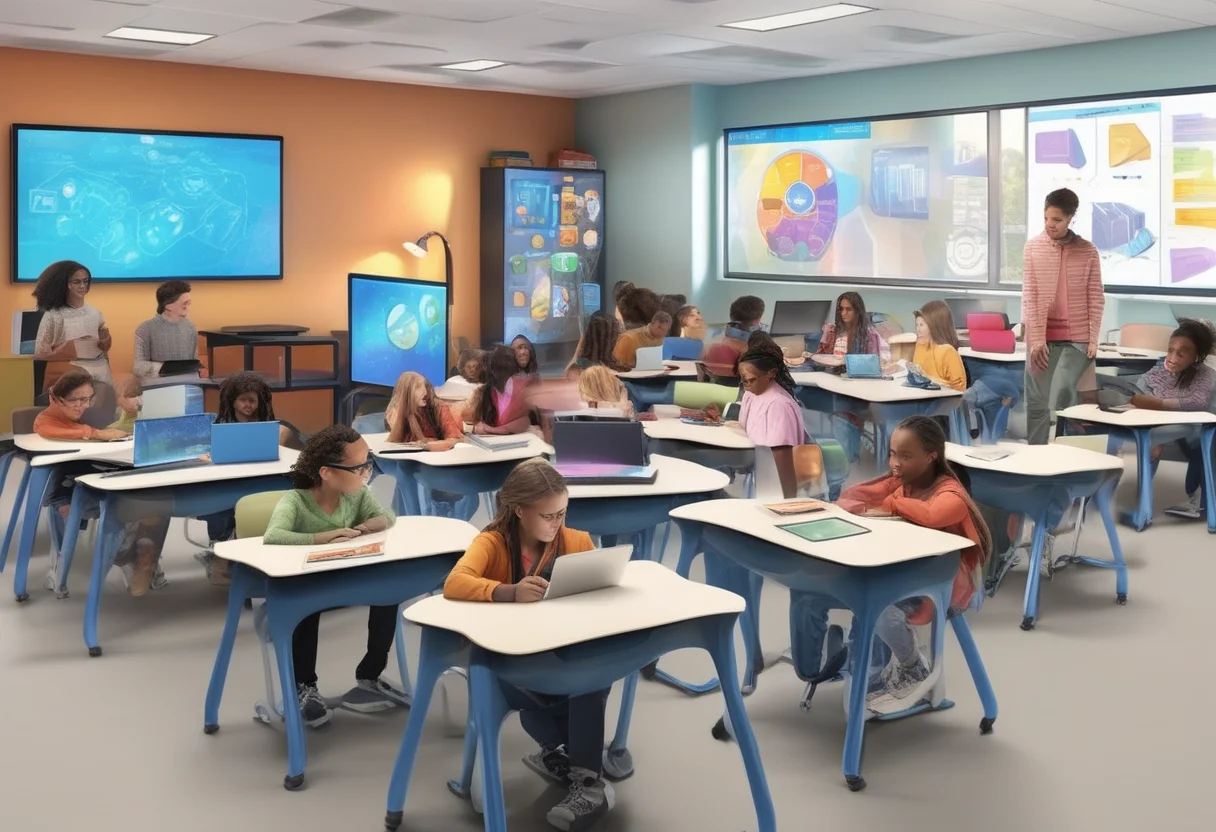
AI-driven personalized learning experiences cater to each student's unique needs. By analyzing data on performance and learning styles, AI creates customized learning paths that optimize engagement and outcomes. This personalization is especially beneficial in inclusive classrooms, where students have a wide range of abilities and needs. AI tools provide targeted support, helping students overcome challenges and reach their potential.
Step-by-Step: Implementing AI Tools for Language Support
Selecting AI Language Tools for Multilingual Learners
Choosing the right AI language tools means picking options that provide translation and transcription to help multilingual learners. Look for user-friendly tools compatible with classroom tech. AI language tools can support vocabulary, pronunciation, and comprehension, helping students overcome language barriers.
Daily Integration of Language Assistance AI
Integrate language assistance AI tools into daily lessons by embedding them into activities like reading and discussions. Use these tools for real-time translation and support, helping students overcome language barriers. Encourage students to use these tools independently, fostering language development and confidence.
Step-by-Step: Utilizing AI Assistive Technologies for Special Needs
Find AI Assistive Technologies for Special Needs
Identify suitable AI assistive technologies by assessing students' specific needs. Consider tools like task analysis tools and social scripts generators that support special needs. For example, an AI-generated task list can help a student with executive functioning challenges complete tasks independently.
Classroom Integration of Assistive Technologies
Implement assistive technologies by integrating them into routines and instructional practices. Use these tools to provide alternative ways for students to engage with the material. By implementing assistive technologies, teachers can enhance student independence and participation.
Step-by-Step: Enhancing Teacher Productivity with AI
AI Solutions for Reducing Teacher Workload
AI tools can reduce teacher workload by automating resource creation, grading, and feedback. Choose tools that streamline these processes, allowing teachers to focus more on instruction and student support. By leveraging AI, educators can enhance productivity and focus on meaningful learning experiences.
Train Teachers for Effective AI Use
Provide comprehensive training for teachers to ensure they can effectively integrate AI tools. This training should cover AI tool functionalities, strategies for enhancing instruction, and troubleshooting methods. Encourage ongoing professional development to support continuous learning and improvement.
FAQ: AI Tools and Their Impact on Inclusive Classrooms
How Do AI Tools Support Students with Special Needs in Inclusive Classrooms?
AI tools significantly enhance inclusive education, particularly for students with special needs. Tools like task analysis and social script generators simplify complex tasks, preparing students for social situations and easing the workload for teachers.
The Universal Sandpit AI platform is a prime example. It breaks tasks into manageable steps, assisting autistic students in getting ready for social interactions. Additionally, AI manages administrative tasks and personalizes learning, allowing teachers more time for direct interaction and instruction.
What AI Tools Effectively Overcome Language Barriers in Classrooms?
AI-powered adaptive learning platforms excel in addressing language barriers by personalizing learning experiences. Platforms like DreamBox and Khan Academy adjust content in real-time based on each student's language skills.
With AI-driven analytics and assistive tools, education becomes more accessible to diverse learners. This approach ensures equitable learning opportunities by simplifying complex instructions for students struggling with language.
How Does AI Enhance Personalized Learning in Inclusive Classrooms?
AI personalizes learning by tailoring teaching methods and content to align with each student's pace, style, and abilities. This includes providing real-time feedback and adjusting lessons as necessary.
Adaptive learning enables students to focus on their strengths and weaknesses, enhancing engagement and outcomes. AI-driven platforms assess performance to offer additional support for those in need and more challenging materials for advanced learners, effectively closing learning gaps.

Platforms like Khan Academy utilize AI to create personalized learning paths, ensuring every student receives the instruction they require.